 Golosok.
This is what the Voice overlay looks like on your Mac during dictation using ⌥ + Space The browser does not record anhing.
DICTATE ON YOUR TERMS. OFFLINE VOICE INPUT FOR MAC
Instant text insertion under cursor with ⌥ + Space. Local speech-to-text dictation for Zoom meetings, voice memos, and notes. Powered by Apple Silicon with 0% cloud dependency.

Replaces Apple Dictation
Type posts, emails, and code at the speed of thought. On-device AI handles technical jargon, punctuation, and accents effortlessly.
Transcribe MP3, MP4, WAV
Drop meeting recordings from Zoom, Google Meet, or voice memos. Golosok processes audio files of any size completely offline.
100% Local, Zero Cloud APIs
Built for NDA meetings and sensitive work. Your voice and transcripts never leave your Mac's memory. Zero telemetry, zero leaks.
Instant Insertion Under Cursor
No app switching required. Press ⌥ + Space anywhere, talk, and watch text appear right where your cursor is focused.
Enterprise-Grade Privacy.
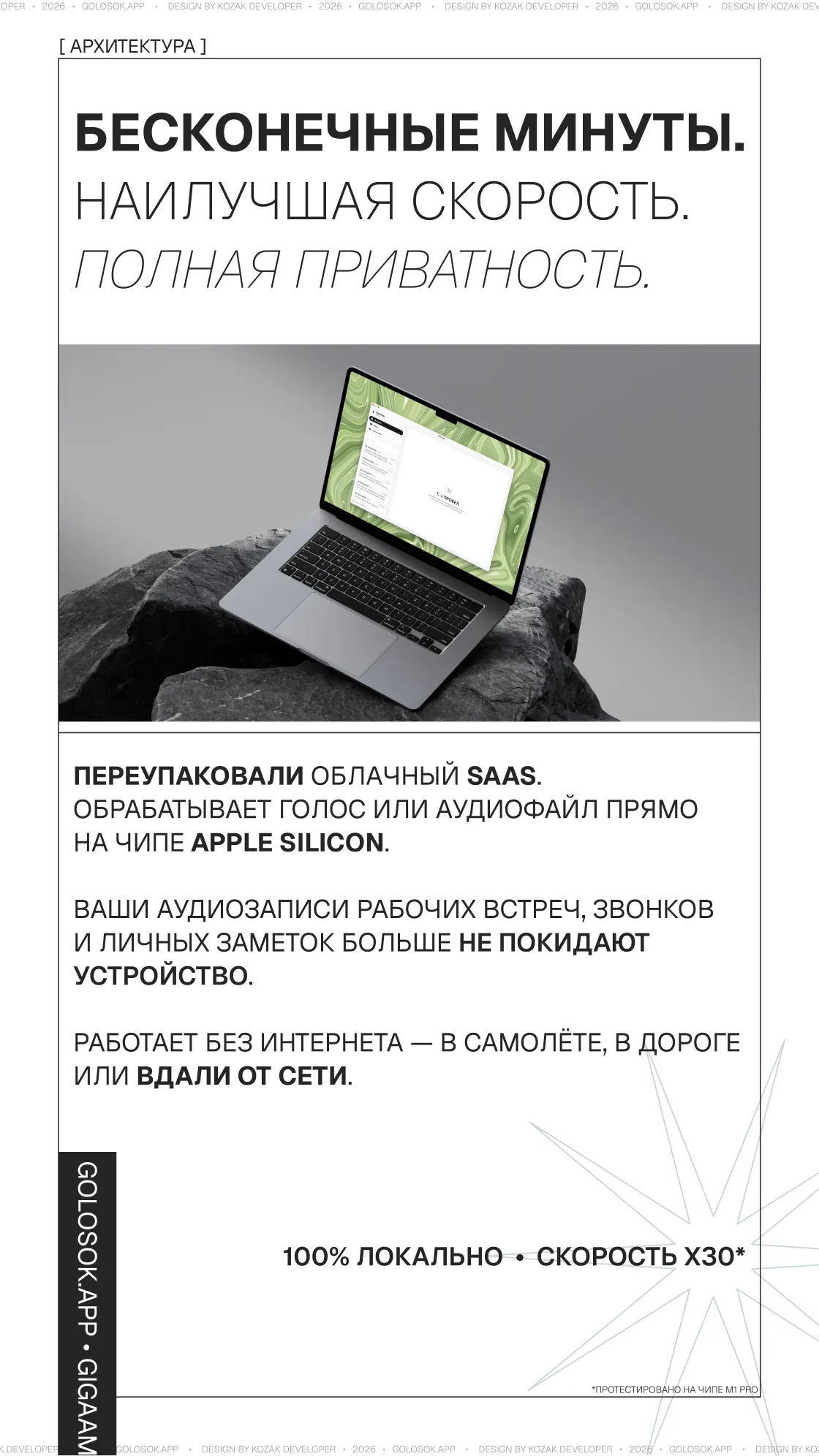
Forget cloud converters and SaaS subscriptions. Every audio recording and dictated word is processed 100% on-device. No files are ever sent to external API servers — your Zoom calls, confidential meetings, and personal notes cannot physically leak online.
A truly offline speech-to-text assistant. Dictate messages or transcribe long podcasts anywhere — on airplanes, commuting, or in remote locations without internet access.
The Privacy-First Whisper Alternative.
An offline replacement for macOS dictation that never times out. Golosok uses a lightweight, highly optimized AI model that delivers state-of-the-art accuracy without requiring monthly subscriptions or API keys.
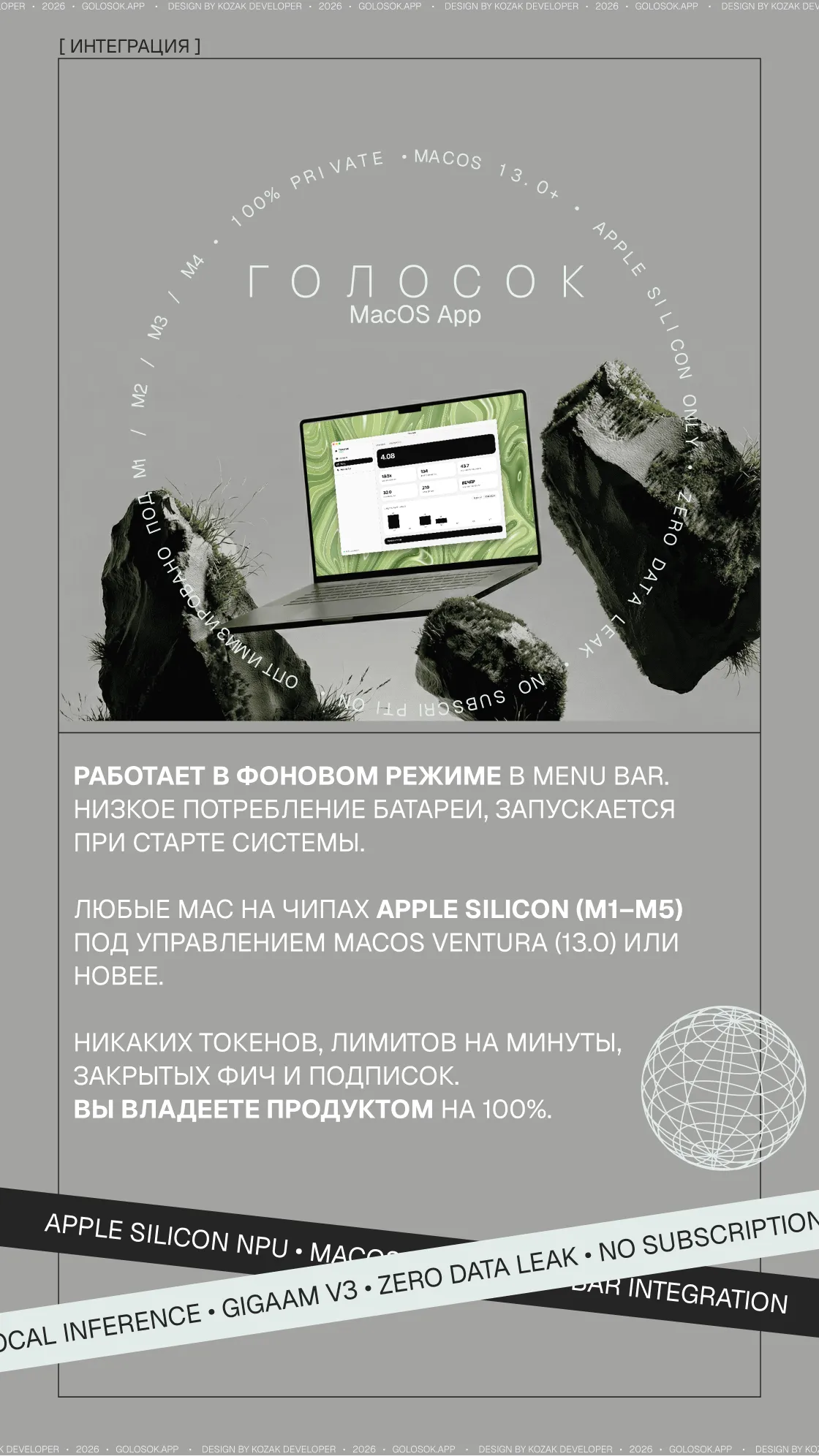
Runs quietly in your Menu Bar with near-zero resource footprint. Compiled for CoreML, the neural engine (ANE) handles inference on Apple Silicon without heating up your Mac or draining your battery.
Who Benefits Most.
Built for power users who handle large volumes of text and demand complete focus.
For Developers
Type code comments, documentation, and commit messages with your voice. The AI understands IT jargon and technical terms. Write Jira tickets and PRs directly at cursor position.
For Managers & Founders
Instant audio-to-text for meeting summaries. Upload multi-gigabyte call recordings without risking corporate NDA or privacy compliance.
For Writers & Creators
Voice typing at the speed of speech (~150 WPM). The AI automatically adds punctuation, fixes stutters, and cleans up filler words.
Quick Start.
1. Gatekeeper Bypass
On first launch, macOS may block open-source apps without a paid Apple Developer ID certificate.
1. Open /Applications folder
2. Hold Control + Right-click Golosok → Click Open
2. System Permissions
Upon launch, grant two required permissions:
- • Microphone: To capture your voice input.
- • Accessibility: For automatic text insertion under your active cursor.
Specifications
Honest Comparison.
Why on-device Apple Silicon dictation outperforms cloud AI services and built-in system tools.
| Feature | macOS Dictation | Cloud AI Services | Golosok |
|---|---|---|---|
| Offline Functionality | Partial / Unreliable | Requires Internet | 100% Offline |
| Data Privacy | Apple Servers | Third-Party APIs | On-Device Only |
| Technical Jargon & Accents | Low Accuracy | Moderate | High Precision |
| Pricing & Subscriptions | Included | $15–$30 / month | 100% Free (Open Source) |
| Hardware Efficiency | Basic | High Bandwidth Usage | CoreML & Neural Engine |
Frequently Asked Questions.
How do I dictate text on Mac if Apple Dictation keeps failing?
Built-in macOS dictation often drops punctuation, times out after 30 seconds, and mishears technical jargon. Golosok replaces it completely: press ⌥ + Space, speak naturally, and the on-device AI instantly pastes clean, formatted text right under your active cursor in any application.
Are my audio recordings or transcripts sent to external servers?
Never. All neural network inference happens 100% locally using Apple Silicon's Neural Engine (ANE). No internet connection is required, and zero data ever leaves your Mac's memory.
Which applications support instant text insertion?
Any app with a text input field! Notion, Obsidian, VS Code, Slack, Xcode, Cursor, iMessage, Mail, or browser search bars. Golosok simulates native system typing via Accessibility APIs.
How much disk space and RAM does Golosok consume?
The installer is just 250 MB. In the background, it uses ~30–50 MB RAM and 0% CPU. During active dictation, it allocates ~300 MB RAM and utilizes the Apple Neural Engine (ANE), causing no CPU heating or battery drain.
Are there limits on recording length or file size?
Zero limits. Dictate a 5-second quick thought or drop a 2-hour Zoom recording in MP3, WAV, M4A, or MP4 format.
Why does macOS warn about an 'unidentified developer'?
Golosok is a free open-source project without a $99/year Apple Developer ID signature. The full source code is public on GitHub. To launch: open /Applications, hold Control, right-click Golosok, and select "Open".
Why is a native Mac app better than cloud transcription bots?
Cloud APIs introduce network latency, privacy risks, and recurring subscription costs. Apple Silicon allows us to run state-of-the-art AI models locally with zero latency and complete privacy.
Is there support for Intel Macs or Windows?
No. Golosok is strictly optimized for Apple Silicon using CoreML and Neural Engine acceleration. Intel Macs lack the hardware NPU required for instant, lag-free local inference.
THE BEST VOICE DICTATION FOR YOUR MAC
Experience instant ⌥ + Space voice-to-text dictation. Zero lag, zero cloud processing.